Meetings & teamwork
Share an update. Raise a blocker. Give useful feedback.
Stand-ups · Agile meetings · Code reviews
 FluentPro
English for your working life
Find the words for meetings, emails and interviews. Learn practical English, then practise putting it to work.
Available on Android · Start with lessons marked free
Put it to work
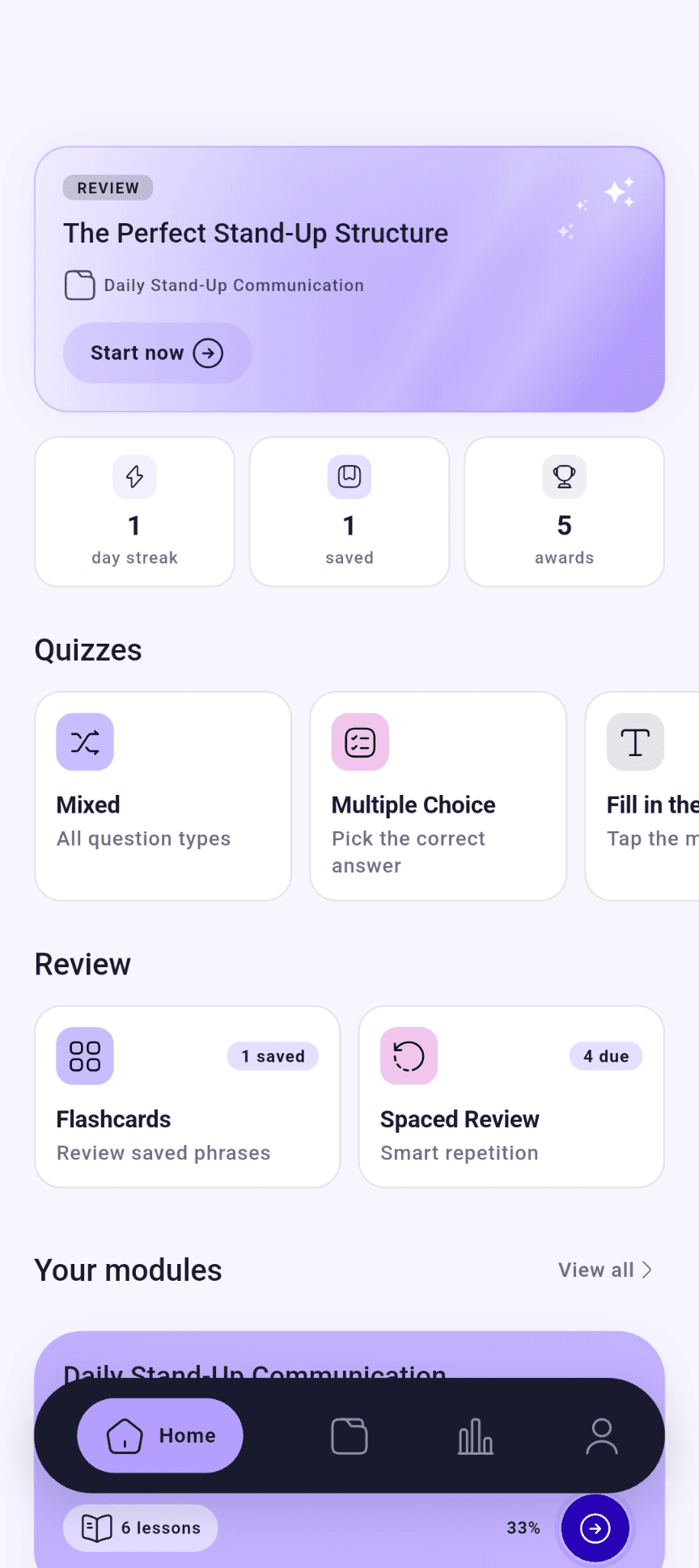
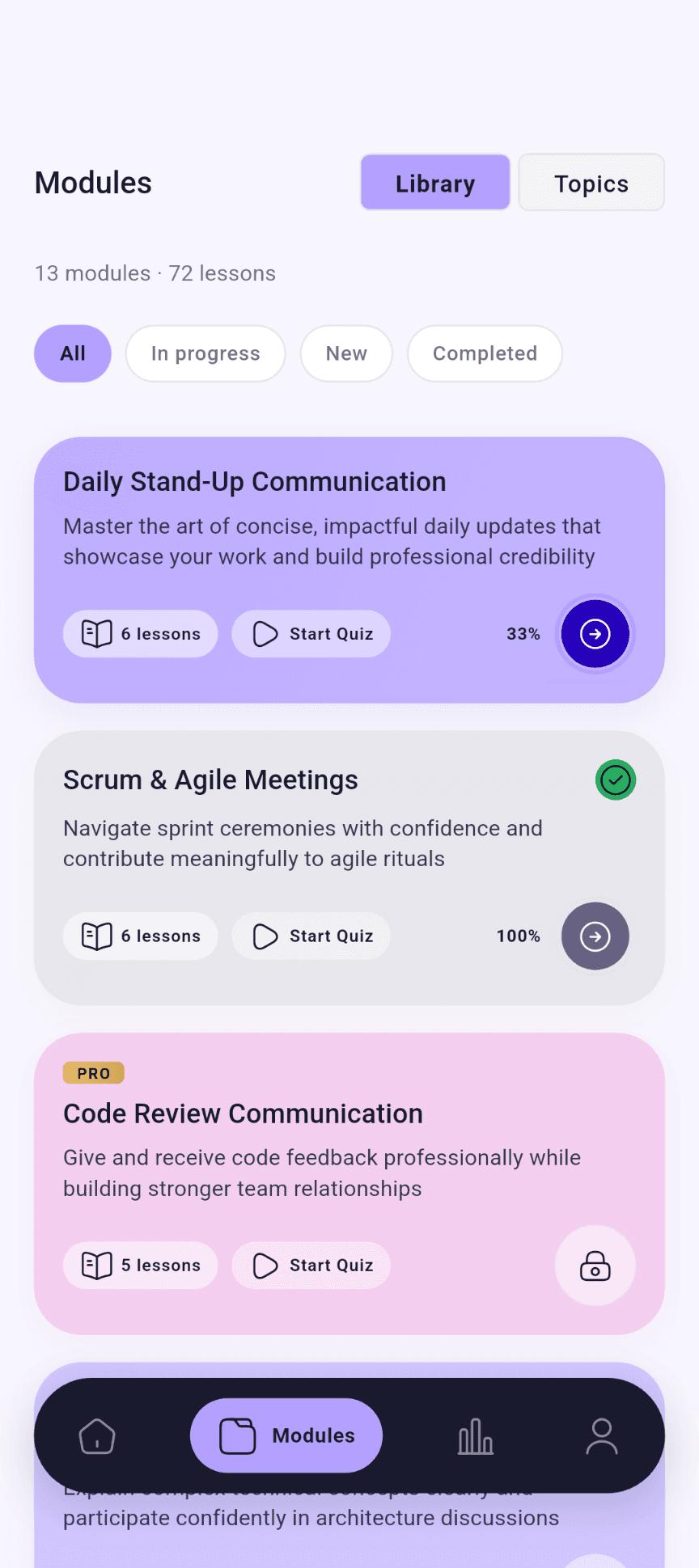
Choose the situation, not a generic vocabulary list. Start with everyday work, with more depth for technical teams when you need it.
Share an update. Raise a blocker. Give useful feedback.
Stand-ups · Agile meetings · Code reviews
Make your request clear. Set expectations. Keep the conversation moving.
Written communication · Clients & stakeholders
Explain your experience. Discuss your work. Prepare for the next step.
Career conversations · Technical interviews · Leadership
The cards above group possible use cases. Here are the modules returned by the learning catalog.
A little more precise
See how a useful detail or a different tone changes a message. Learn the context, not just the replacement words.
Examples from stand-up and agile-meeting lesson content. Not an automated assessment of your writing.
Opening your update
“Yeah, so, yesterday I was working on stuff”
“Yesterday I shipped the auth refactor and kicked off the rate-limiting work”
Raising a blocker
“I’m stuck on something”
“I’m blocked on staging access — Sam, could we sync right after this?”
Pushing back in planning
“This story is too big. Split it.”
“Could we break this story into smaller pieces? It feels like it’s trying to do too much.”
From reading to recall
Prepare for a conversation that matters today. Then come back to the wording you want to remember.
01
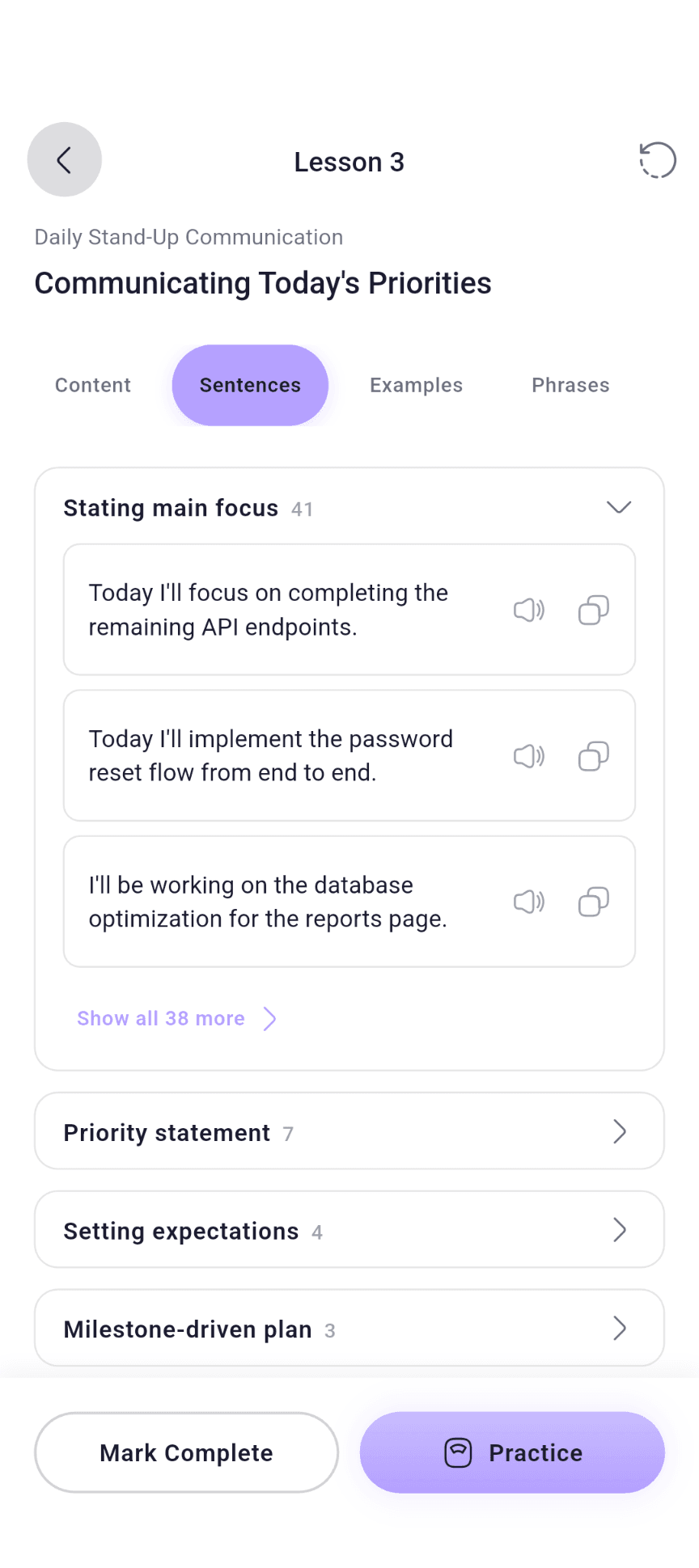
Browse by module or topic. Read the explanation and explore the sentence, vocabulary and example sections available in that lesson.
02
Start practice for your chosen lesson. Available formats and questions depend on its source content; loading a quiz needs a connection.
03
Save useful phrases and rate your recall in Smart Review. Your responses help schedule what comes back next.
Pronunciation playback supports the wording you are learning. No microphone or speaking score.
Bookmarks put your saved phrases within reach for another look before the next conversation.
Keep your own pace
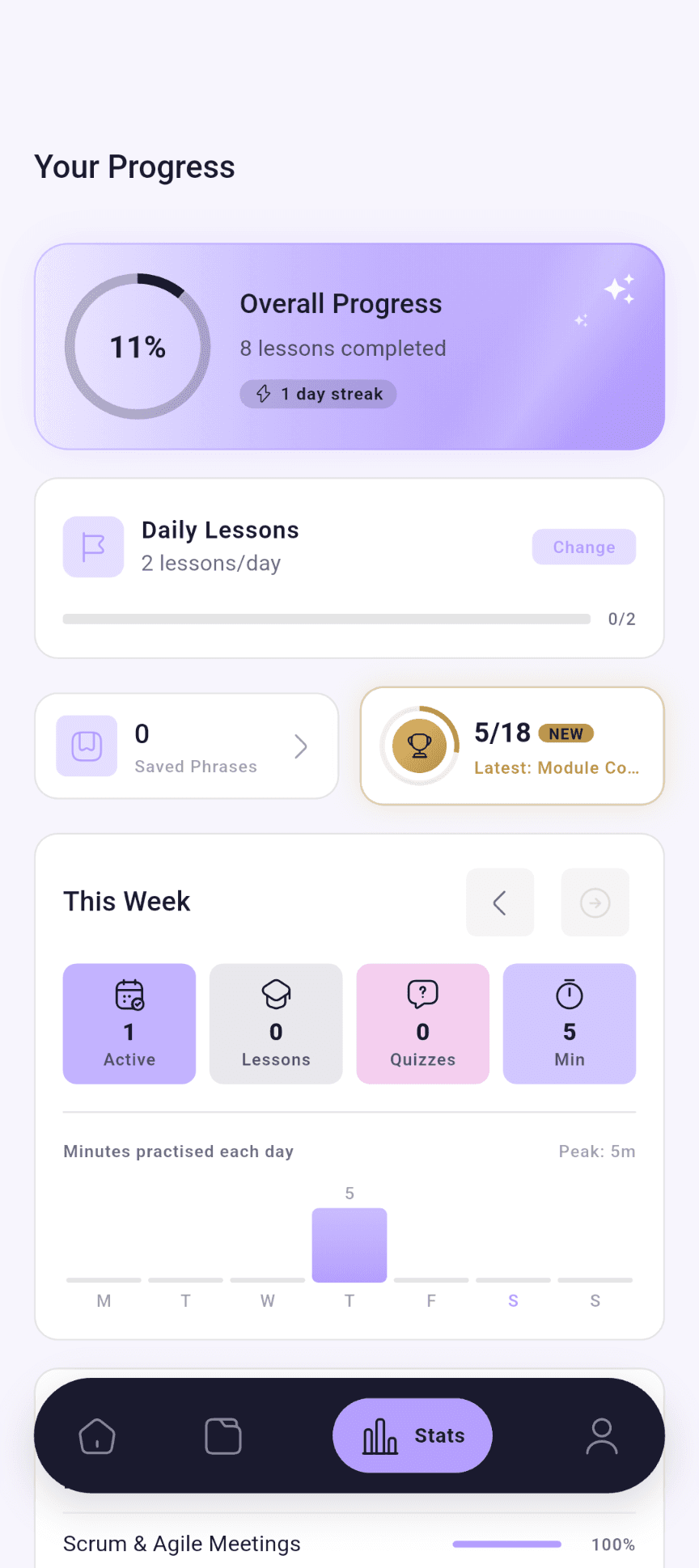
Set a lesson goal in Stats. Completed lessons count towards your day.
See lesson completion, activity, streaks and achievements. These reflect learning activity, not a certified English level.
Use the same account to sync saved progress. Choose a theme and notification preferences in Profile.
Before you start
The practical details, without the small-print surprises.
Adults who already know English and want more useful wording for work. The library covers workplace conversations with extra depth for technical teams; it is not a beginner grammar course.
Android, from Google Play. An iOS version is not available yet.
No. FluentPro does not use the microphone. Read, listen and answer practice questions by tapping. Pronunciation audio plays on demand.
Previously cached lesson text can be read offline. Signed-in progress saves queue for sync: reconnect and let syncing finish before signing out. New content, quiz loading and uncached audio need a connection.
Set a daily lesson target in Stats. An available streak freeze protects one missed day; after use, it becomes available again when you record activity at least seven days later. Notification delivery depends on permissions, device settings and the notification service.
Use Restore purchases with the store account used to subscribe. Account deletion is available from Profile or through support. The links below explain the published process and retention terms.
Need help with FluentPro?
support@pixelcrafts.app