Lead the conversation.
Prepare for meetings and presentations: open with a purpose, explain the point and move towards a decision.
Executive Meetings · Business Presentations
 Verbloom
Business English, in context
For the meeting, the presentation, the conversation that matters. Learn professional phrases with context, then practise bringing them to mind.
On Android · Start with lessons marked free
The situation
The plan
has changed.
Bring people into the context before asking for a decision.
A phrase to reach for
“Let me bring you up to speed.”
Wording example, not an interactive app screen.
Context before memorisation.
Practice for the lesson you choose.
Review the words you want to keep.
Start with the situation
Build on the English you already know. Choose the kind of conversation you are preparing for, rather than working through an unrelated word list.
Prepare for meetings and presentations: open with a purpose, explain the point and move towards a decision.
Executive Meetings · Business Presentations
Explore language for negotiations, client conversations and the moments when you need to disagree constructively.
Negotiation & Persuasion · Client Relationships
Work on written communication, feedback and the words you reach for in a new role or a difficult situation.
Formal Business Writing · Leadership Communication
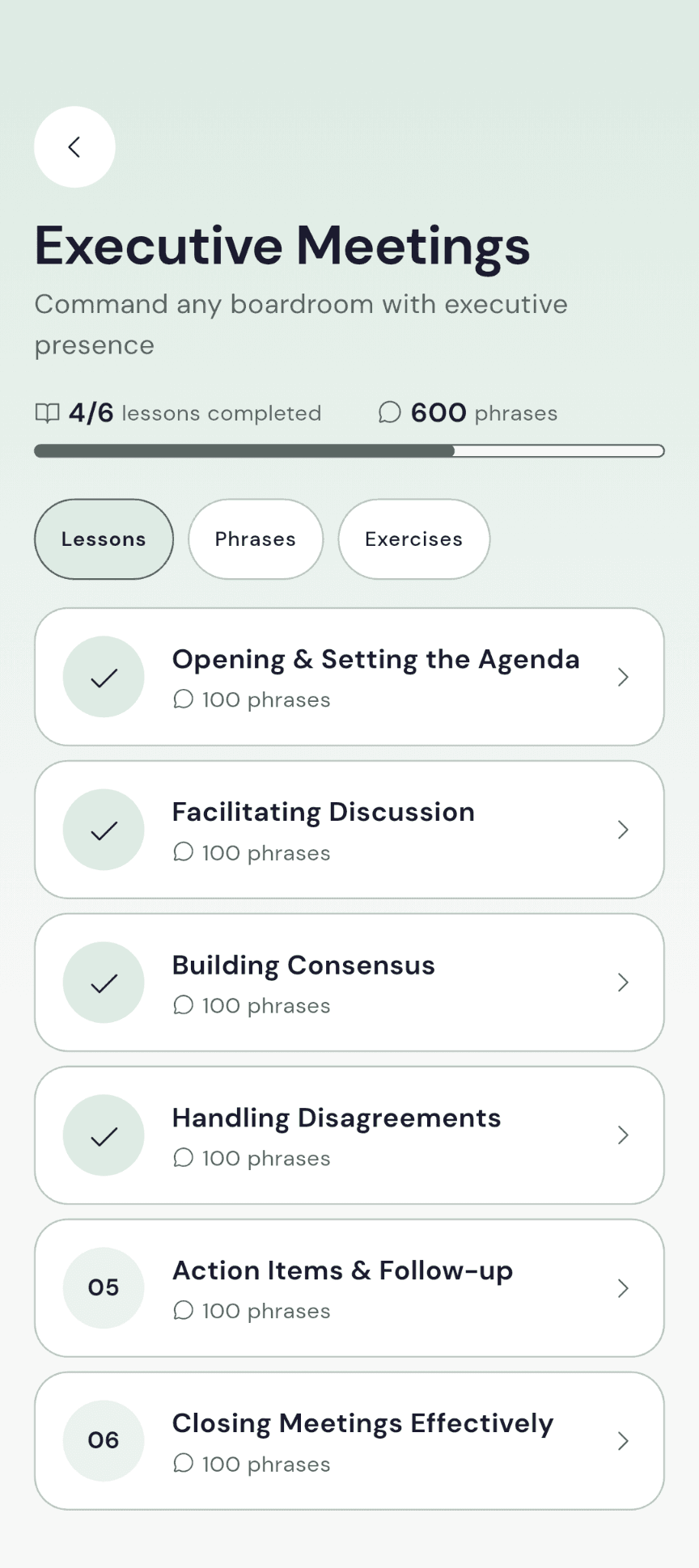
Command any boardroom with executive presence
Lead the room from slide one
Close deals and influence decisions
Write with authority and precision
Build and grow executive relationships
Inspire and lead with words
Navigate corporate onboarding like a pro
Handle difficult moments with grace
Master the language of executive influence, boardroom communication, and cross-cultural business leadership. 600 phrases that command respect and drive strategic outcomes.
The words and the why
Read the context and examples available with a phrase. Learn what the line is doing, not just how it sounds.
“The market context has shifted dramatically since we approved this initiative — let me bring you up to speed.”
Why this fits
It signals that circumstances have changed and prepares the group to revisit a decision with new information.
A rhythm you can return to
Move from a situation to a lesson, then revisit the wording that needs another look.
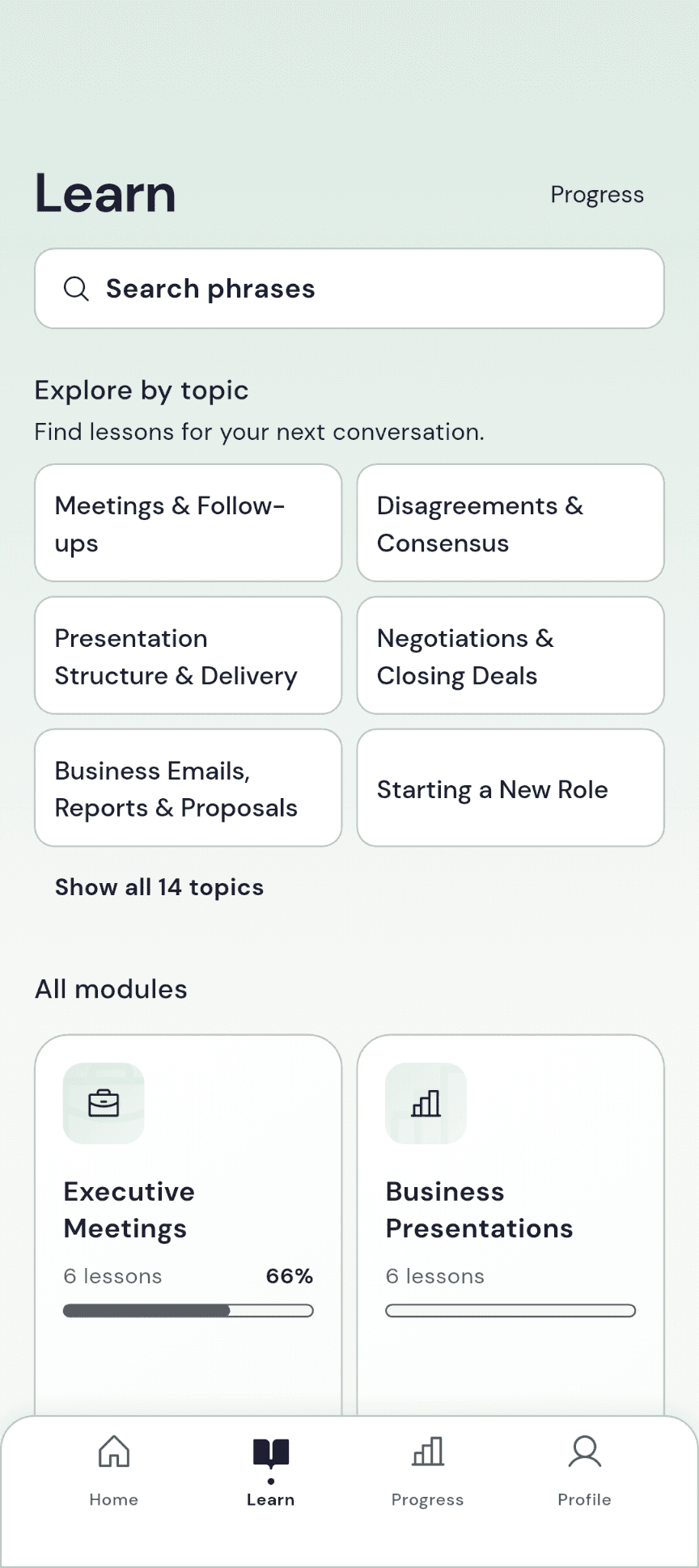
01
Use Learn for topics, the library and phrase search. Open a lesson that matches what you need.
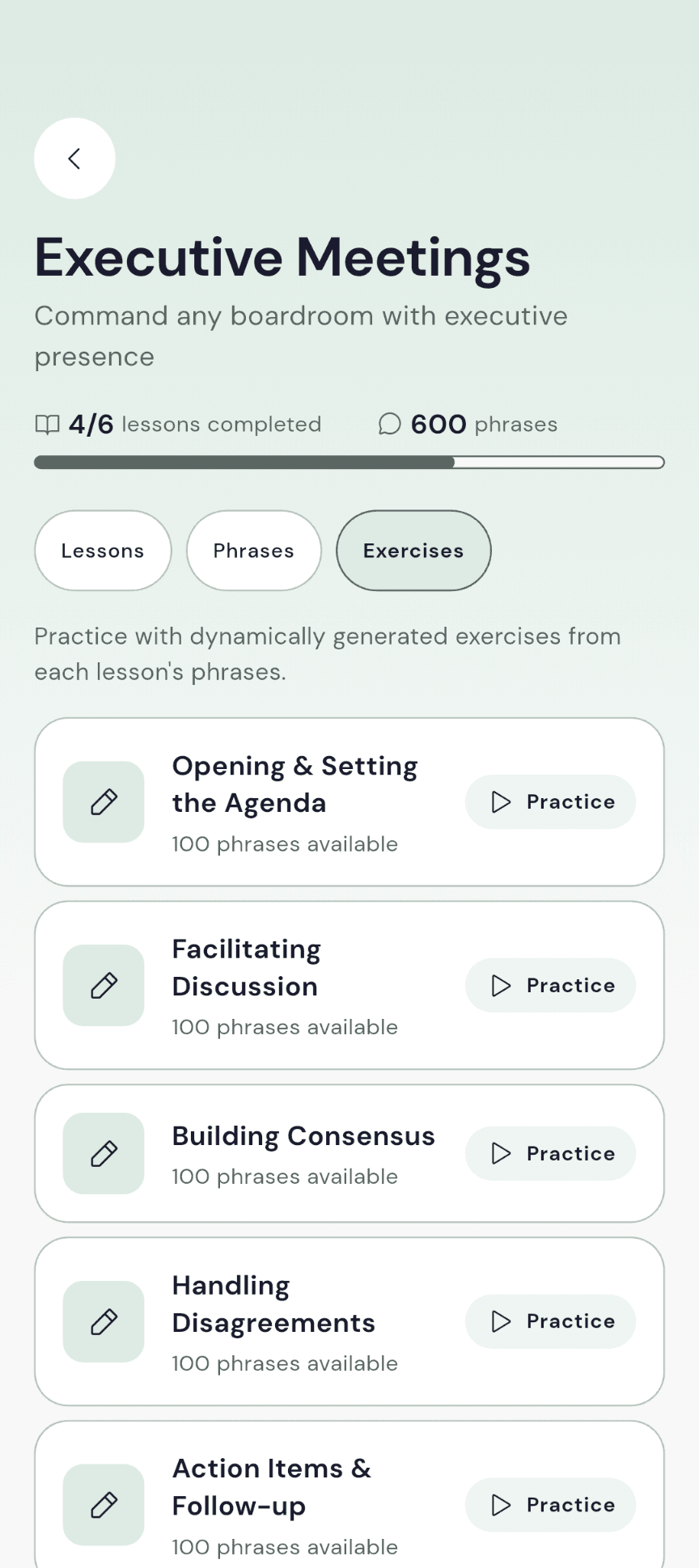
02
Choose a supported quiz mode such as mixed practice, multiple choice, fill in the blank or true or false. Questions depend on the source content and need a connection to load.
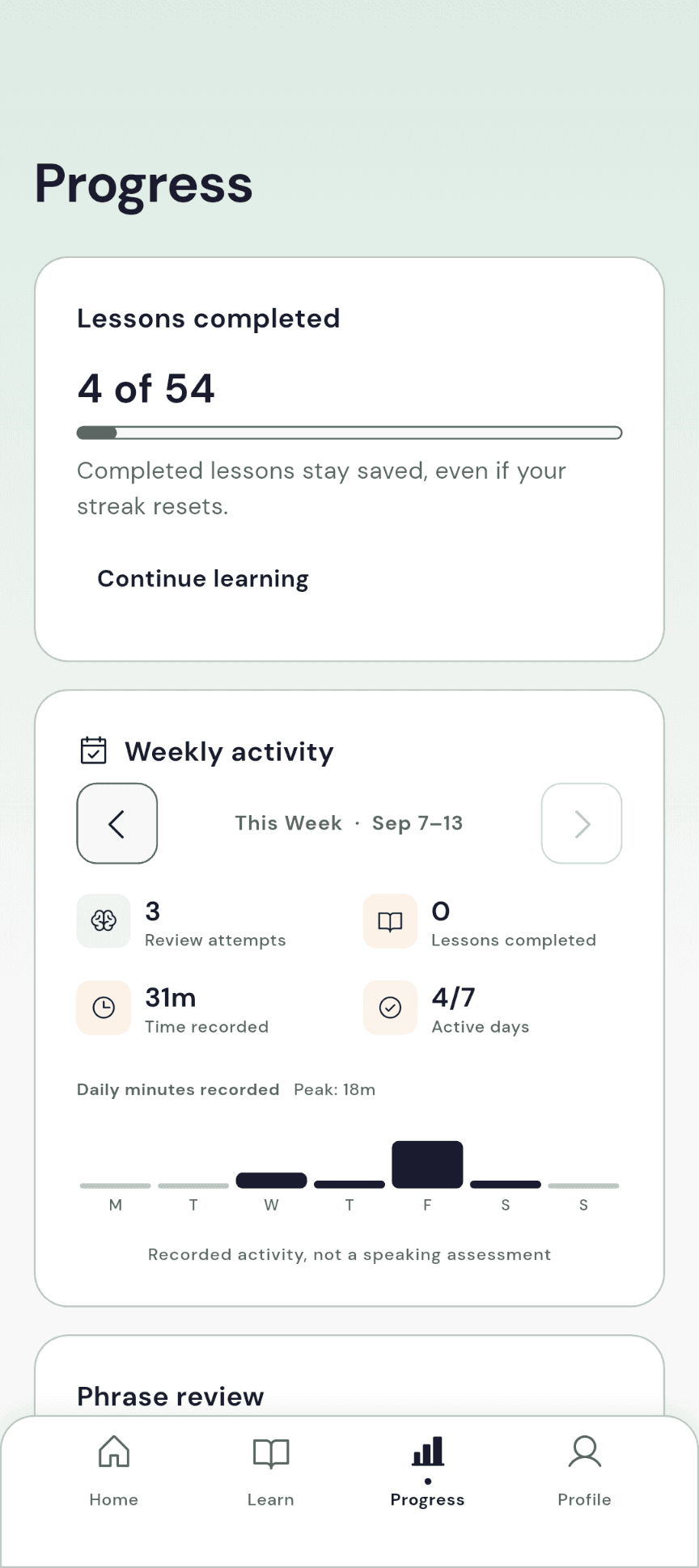
03
Use Remember and Forgot in Smart Review. Your recall choices help schedule future reviews; they are not an objective speaking score.
Use pronunciation playback where available. Uncached audio needs a connection.
Bookmark phrases you want to revisit before the next conversation.
Search phrase text, tags and context. Previously cached content can support offline search.
Notice the practice
See the lessons you have completed, your weekly activity and your review history. Pick up again without turning every conversation into a score.
Learning progress, not a language certificate.
Completion, streaks and self-reported recall show your activity. They do not measure pronunciation or speaking ability.
Choose light, dark or system appearance in Profile. Reminder delivery depends on permissions, device settings and the notification service.
A few practical details
Verbloom is for professionals who already use English and want more precise language for meetings, presentations and leadership. It is not a beginner course or a certified proficiency assessment.
Verbloom is available on Android through Google Play. An iPhone version is not currently available.
Try the lessons marked free and their supported practice and review tools. Premium opens premium learning content. Current access and prices are shown in the app.
Previously loaded lesson text is cached, and supported user writes queue for sync. New content, quiz loading and uncached audio need a connection. Reconnect and let syncing finish before signing out.
No. Progress shows lesson completion, learning activity, streaks and your Remember/Forgot review choices. It does not assess pronunciation or certify your English level.
The app shows available plans and prices for your country and currency before purchase. Manage or cancel your subscription through your store settings. Use Restore purchases with the store account you used to subscribe.
Account, learning, purchase and diagnostic services process data to support the app. The privacy policy below gives the published details; the account-deletion page explains removal requests and retention terms.
Need help with Verbloom?
support@pixelcrafts.app